Schema Support
FreeXmlToolkit supports different schema formats for validating your XML and JSON files. This page explains what's supported and what isn't.
Overview
Schemas define rules for your XML documents - what elements are allowed, what order they should be in, and what values they can contain.
Supported Schema Formats
XSD (XML Schema Definition)
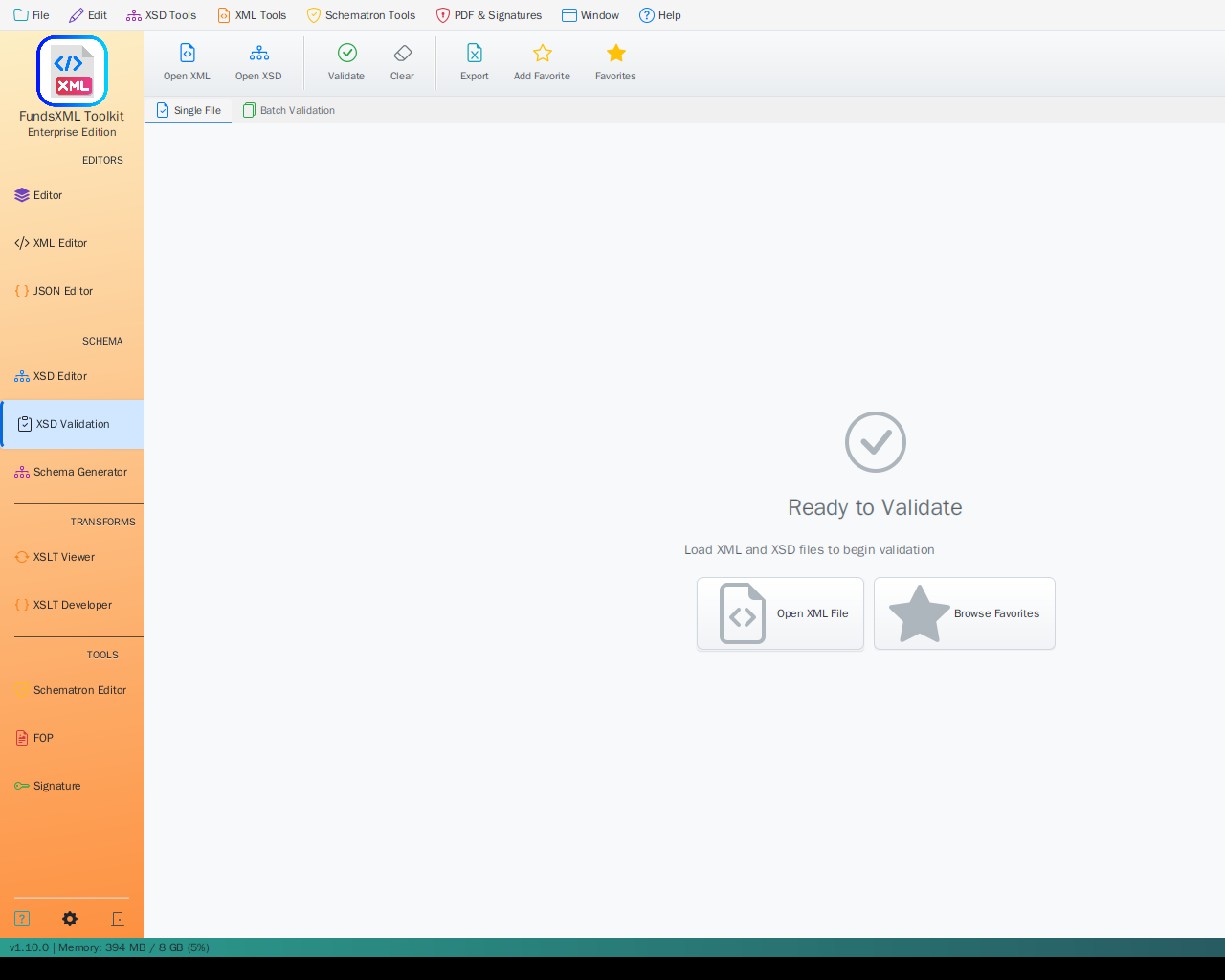 The Validation panel - an XML document checked against its bound XSD schema
Full Support - The main schema format used for XML validation.
| Feature | Description |
|---|---|
| Validation | Check if XML files follow schema rules |
| Auto-Completion | Get suggestions while typing based on schema |
| Auto-Detection | Schema is found automatically from XML files |
| Documentation | Generate readable documentation from schemas |
| Sample Data | Create test XML files from schema definitions |
| Visual Display | See schema structure as diagrams |
What You Can Define: - Elements and their order - Required and optional fields - Data types (text, numbers, dates) - Allowed values - Documentation
Schematron
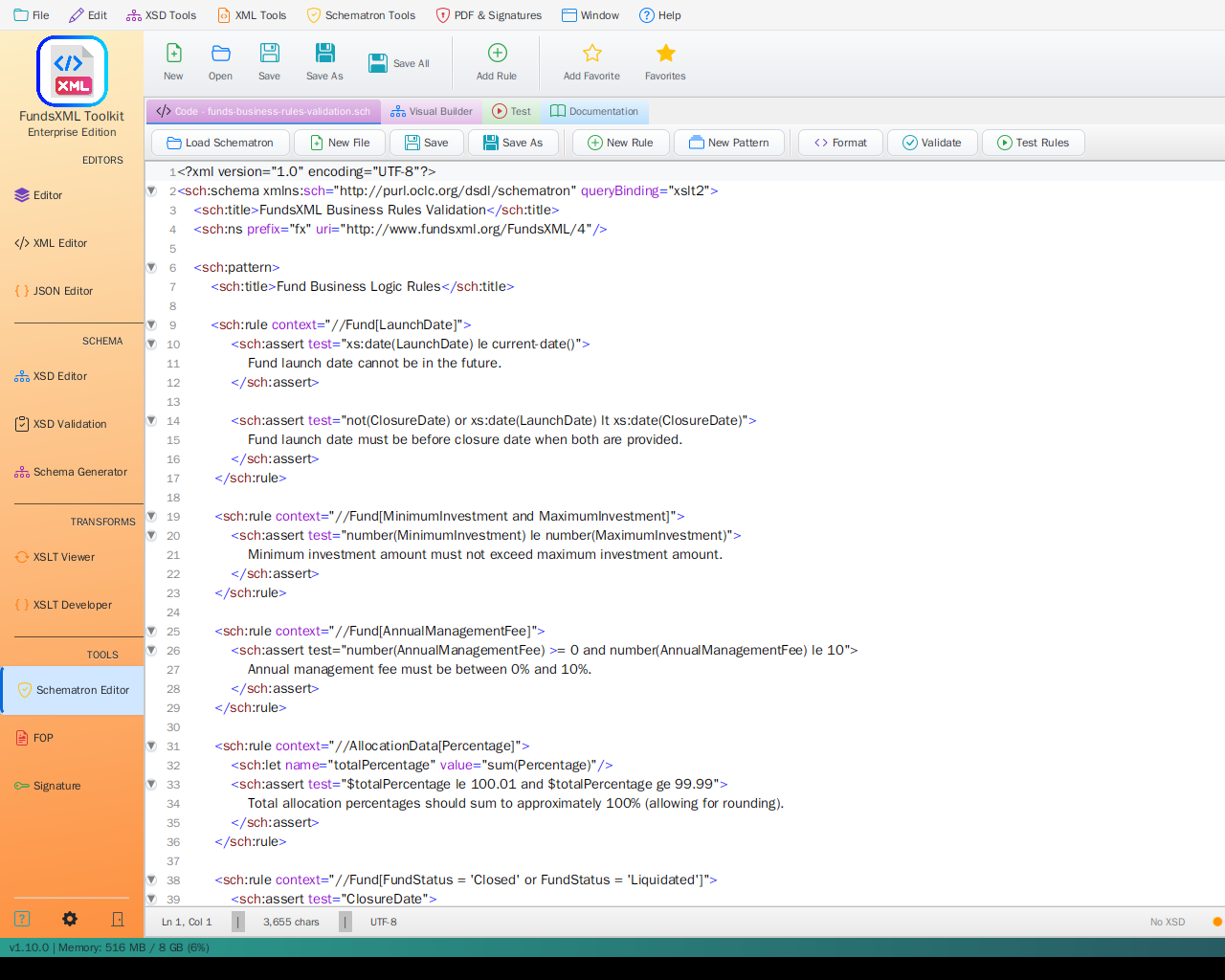 A Schematron rules file (.sch) open as a normal document in the editor
Business Rules - For validation rules that go beyond structure.
| Feature | Description |
|---|---|
| Custom Rules | Write your own validation logic |
| Real-time Checking | See errors as you edit |
| Clear Messages | Define helpful error messages |
| Flexible Rules | Apply different rules in different situations |
Best For: - "If field A is filled, then field B must also be filled" - "The total must equal the sum of all items" - "Each ID must be unique in the document"
JSON Schema
Full Support (for JSON documents) - The standard schema format for validating JSON files.
| Feature | Description |
|---|---|
| Validation | Check if JSON files follow schema rules |
| Auto-Detection | A schema referenced by the document's $schema member is bound automatically |
| Manual Binding | Bind a schema via the status bar indicator, the Validation panel, or drag & drop |
| Line Numbers | Each problem points to the offending line in your document |
| Dialects | Draft-07, 2019-09, and 2020-12 |
JSON Schemas bind and validate the same way XSD schemas do for XML - see the JSON Editor page for details.
XML Catalogs (OASIS)
Full Support - Register one or more OASIS catalog.xml files in the
Schema Library's Catalogs tab to resolve system, public, uri,
rewriteSystem, rewriteURI, nextCatalog and xml:base entries when the toolkit looks
up an xs:import/xs:include or a schema reference by system ID. During validation the
lookup tries the system identifier, then the public identifier (public entries),
then the namespace, so public entries resolve schemas too.
DTD and RELAX NG
Documents can be validated against a DTD or a RELAX NG schema (XML syntax .rng, compact
syntax .rnc). Validation is exact (Xerces for DTDs, Jing for RELAX NG); IntelliSense, the grid's
entry helpers and the Properties inspector use an XML Schema translated from the grammar (Trang),
which for some RELAX NG constructs is an approximation. There is no graphical editor, diagram or
documentation generator for these languages. For a walk-through with an example see
DTD and RELAX NG in the guides.
Which grammar is used, when no XSD is bound:
| The document has | It is validated against |
|---|---|
<!DOCTYPE book SYSTEM "book.dtd"> or PUBLIC "…" "…" |
that DTD (and the internal subset, if any) |
<!DOCTYPE book [ … ]> (only an internal subset) |
the internal subset |
<?xml-model href="book.rng" schematypens="http://relaxng.org/ns/structure/1.0"?> |
that RELAX NG schema |
<?xml-model href="book.rnc" type="application/relax-ng-compact-syntax"?> |
that compact-syntax schema |
An xsi:schemaLocation (XSD) takes precedence. You can also bind a .dtd, .rng or .rnc file like
an XSD: click the schema indicator in the status bar, use Change in the Validation panel, or drop
the file there. A document's own DOCTYPE wins over a bound DTD.
Where DTDs come from: the XML catalogs and the Schema Library first (public
and system identifiers — the way to use DocBook, XHTML or other standard DTDs offline), then local
files relative to the document, then — for http/https addresses only — the schema cache, which
downloads once through the proxy settings. A DTD that cannot be loaded is reported as a warning and
the document is checked for well-formedness only.
Security: external entities (<!ENTITY x SYSTEM "…">) are never read, entity expansion is limited
(no "billion laughs"), and DTDs are loaded only as described above. Settings → Network & Security →
Validate documents against their DTD switches DTD validation off; administrators can lock it
(security.dtd.allowed=false, see Administration).
On the command line, fxt-cli validate -x book.rng … binds a grammar for all files, and declared
DOCTYPEs and xml-model instructions are used like xsi:schemaLocation (see
Command Line).
How to Use Schemas
Loading a Schema
- Automatic: Open an XML file that references a schema
(
xsi:schemaLocation/xsi:noNamespaceSchemaLocation) - it is bound automatically - Manual: Open the Validation panel and click Change on the XSD row - or click
the XSD indicator in the status bar and pick an
.xsdfile - Drag & Drop: Drop an
.xsdfile onto the Validation panel's XSD row or onto the status bar's XSD indicator
A Schematron rules file binds the same way via the Validation panel's Schematron row.
Schematron files themselves (.sch) open as normal documents in the editor.
For JSON documents, a JSON Schema binds the same way: automatically via the
document's $schema member, or manually via the status bar's JSON Schema indicator,
the Validation panel's JSON Schema row, or drag & drop.
Validation Workflow
- Open your XML file
- Bind (or auto-detect) the schema
- Click Run Validation in the Validation panel (or press F8) - or enable Validate while typing to check continuously
- Problems appear in the PROBLEMS list, each tagged with its source (XSD, Schematron, Well-formed); click one to jump to the problem location
- Fix issues and re-validate
Using Both XSD and Schematron
For the best validation coverage: - Use XSD for structure (elements, order, types) - Use Schematron for business rules (relationships, conditions)
Tips
| Tip | Description |
|---|---|
| Start with XSD | XSD handles most validation needs |
| Add Schematron later | For business rules XSD can't express |
| Use auto-detection | Let the app find your schema automatically |
| Check error messages | They tell you exactly what's wrong |
Supported XSD Features
| Category | Features |
|---|---|
| Elements | Elements, attributes, groups, attribute groups, xs:any / xs:anyAttribute |
| Types | ComplexTypes, SimpleTypes (restriction, list, union), simple/complex content with extension and restriction |
| Compositors | Sequence, Choice, All |
| Constraints | Facets: patterns, enumerations, length limits, value ranges, digits, whiteSpace, assertion / explicitTimezone (XSD 1.1) |
| References | Import, Include, Redefine and Override (resolved, also transitively). Redefined and overridden definitions replace the originals in the Graphic view, the Type Library, statistics, quality checks and the Inspector of an XML document. |
| XSD 1.1 | Assertions (xs:assert, xs:assertion) are loaded, shown and analysed; xs:alternative and xs:openContent are honored by the XSD 1.1 validator but not shown in the graphical views |
| Identity | Key, KeyRef, Unique |