Generate sample XML
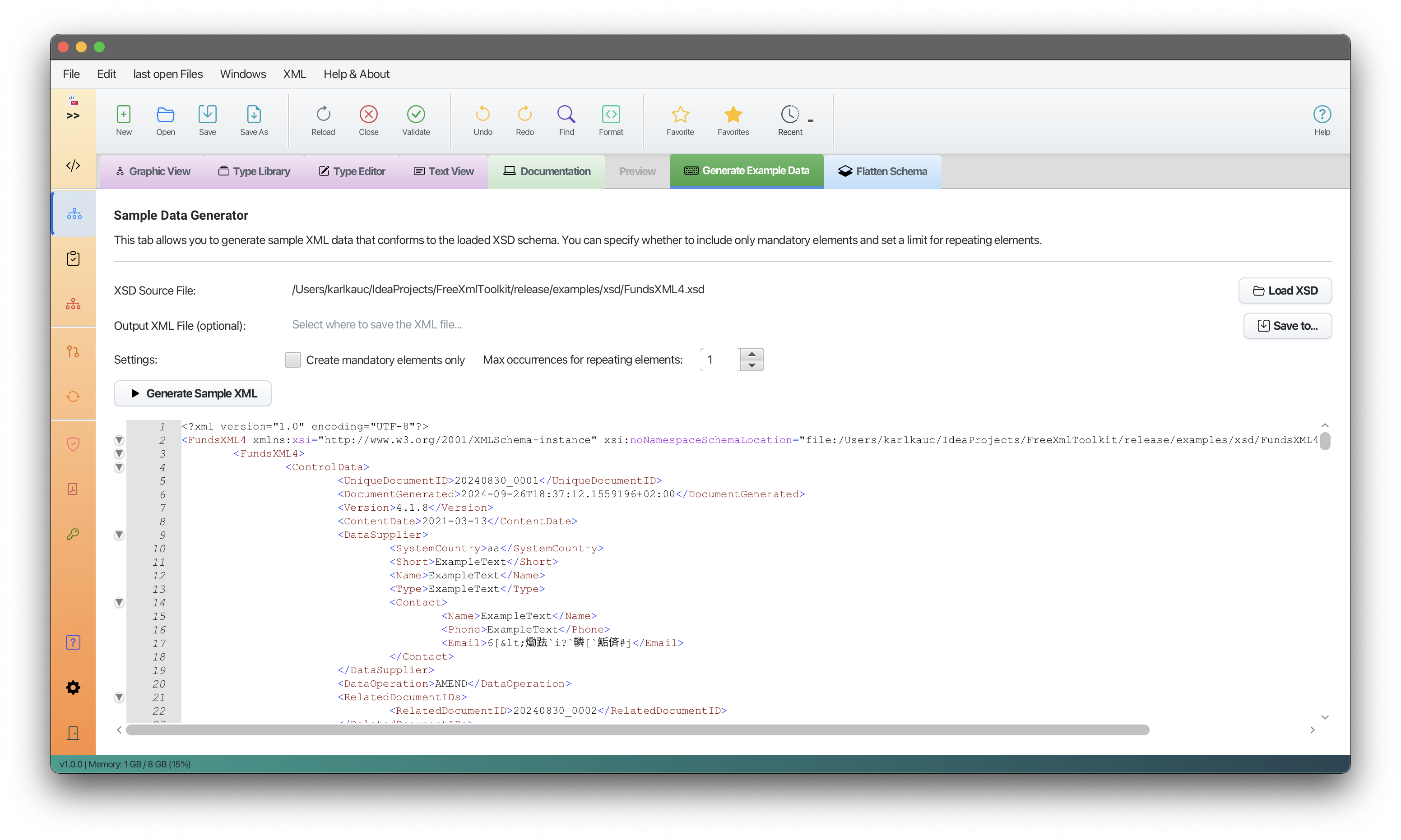
Create sample XML files based on your XSD schema. This is useful for testing, data migration, or as a starting template.
 The advanced sample generator dialog with its per-XPath rules table
Where it is
Sample-data generation lives in the Schema panel. It offers two actions: Generate Sample XML for the basic generation described below, and Sample XML with Options… for the rule-based, batch-capable generation shown above.
Before you start
- An XSD open in the editor.
Quick Start (Basic Generation)
For simple use cases, you can generate sample XML in seconds:
- Load your XSD file
- Choose Generate Sample XML… in the toolbar's Schema ▾ menu or under Tools (or in the Schema panel's TOOLS section at the top of the panel). If the schema has unsaved changes, choose Save and Continue or Use Saved Version when asked
- Choose your options:
- Only mandatory elements: Include only required elements
- Max. repetitions: Limit repeating elements
- Realistic values: Honor enumerations, patterns and value ranges when inventing values
- Click Generate
- Validate the generated XML against the schema
- Save or copy the generated XML
Profiled Generation (Advanced)
For more control, you can define rules that specify exactly how each element or attribute gets its value. Open it from Sample XML with Options… in the Schema panel. It includes:
| Feature | Description |
|---|---|
| XPath-Based Rules | Set a generation strategy for each element or attribute by its XPath |
| 11 Strategies | Auto, Fixed Value, Omit, Empty, XSD Example, Enum Cycle, Sequence, XPath Reference, Random from List, Template, and Null |
| Auto-Fill XPaths | Automatically extract all XPaths from your schema to populate the rules table |
| Saveable Profiles | Save your generation configuration and reload it later |
| Profile Sharing | Export and import profiles to share with colleagues |
| Batch Generation | Generate multiple files at once with configurable file naming (for example, order_001.xml, order_002.xml) |
For a complete guide with step-by-step instructions and examples, see Profiled XML Generation.
Validation
The generated sample is pretty-printed like Format Document (Shift+Alt+F) and opens as a
normal editor tab (Sample.xml) that is already bound to the schema it was generated from, so
you can validate it right away:
- Click Validate (F8) - the result is Valid or a list of problems, not merely Well-formed
- Problems appear in the PROBLEMS list - click one to jump to its line
The sample's root element references the schema by file name
(xsi:noNamespaceSchemaLocation="FundsXML4.xsd", or the xsi:schemaLocation pair for a
namespaced schema) rather than by an absolute file: path, so it can be moved and shared.
Saving it for the first time into another folder rewrites the reference to a relative path
(for example ../xsd/FundsXML4.xsd), so it keeps resolving there - also in other tools.
Next steps
- Sample XML with profiles - rules per XPath, batches, reusable profiles
- Validate