Overview view
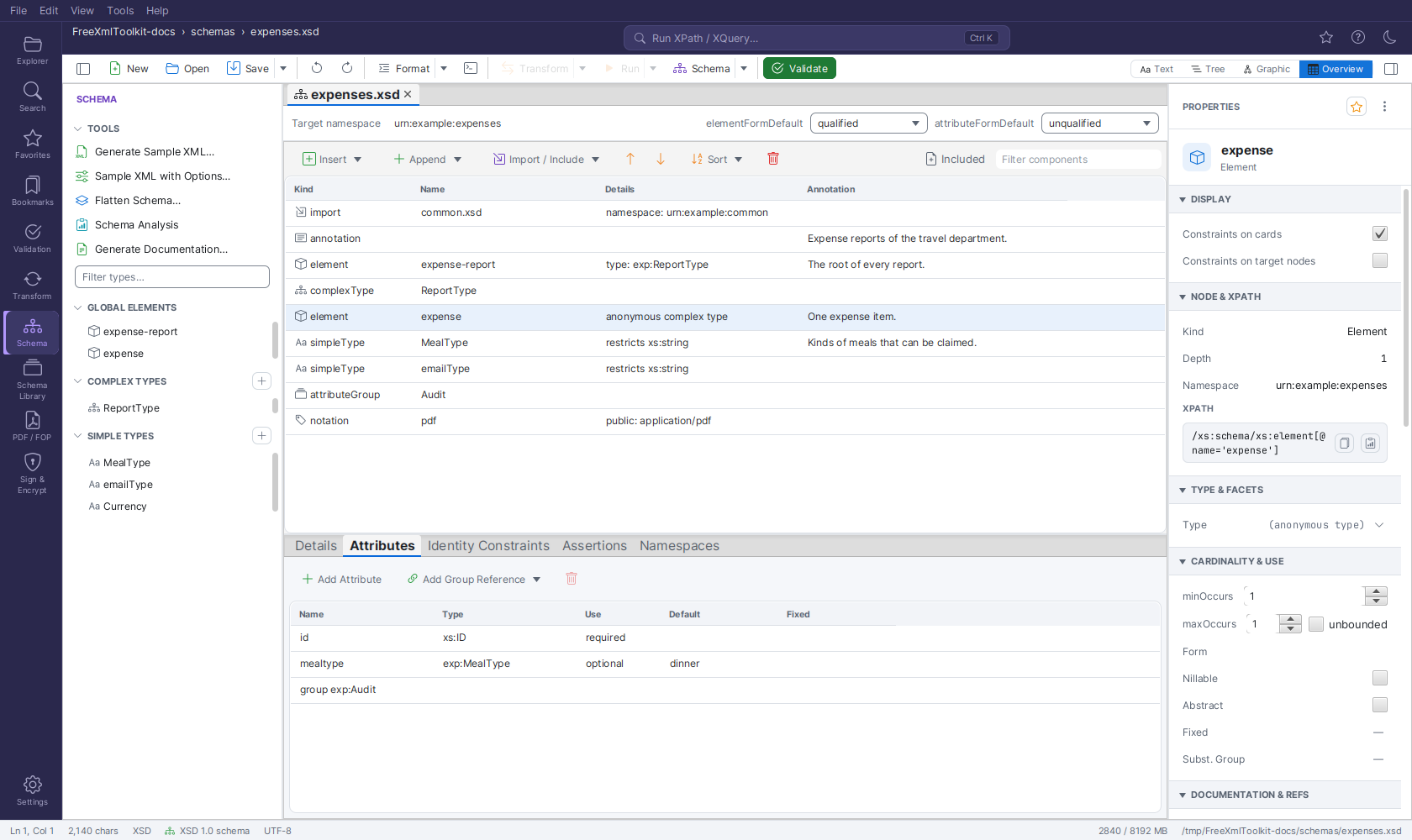
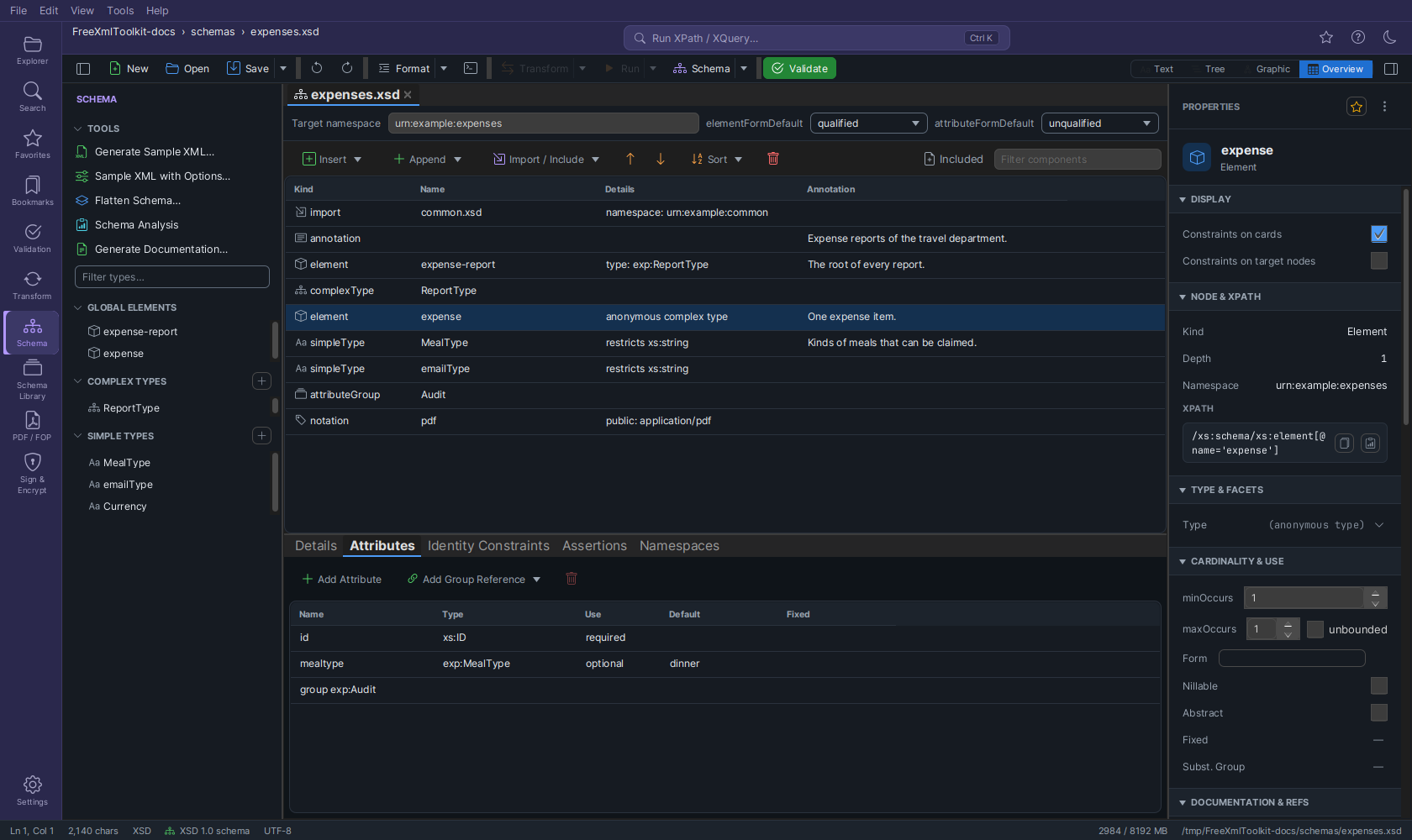
The Overview view mode (the table icon in the view switch, or View → Overview View) lists every top-level component of the schema in one table: imports, includes, redefines and overrides, schema-level annotations, global elements, complex and simple types, groups, attribute groups, global attributes and notations - in the order they have in the file. It is offered for XSD documents only.
The component table
| Column | Shows |
|---|---|
| Kind | import, element, complexType, annotation, … with its icon |
| Name | The component name, or the location of an import/include. Double-click (or F2) to rename |
| Details | Type of an element/attribute, base type and derivation of a type, namespace of an import, identifiers of a notation |
| Annotation | The first documentation line. Double-click to edit it in place |
- Insert adds a new component in front of the selected row, Append at the end. The new
row gets a free default name (
NewComplexType,newElement, …) and its name is ready to type. An Annotation adds a schema-levelxs:annotationat that position. - Import / Include adds an
xs:import,xs:include,xs:redefineorxs:override. Choose the file with Browse…: the location is made relative to the schema, and for an import the chosen schema's target namespace is filled in. - Move up / down (Ctrl+↑ / Ctrl+↓) or drag rows to reorder them. Several selected rows move together. Imports and includes always stay in front of the components - XSD requires that, so a move that breaks the rule is refused with an explanation.
- Sort orders the components Type, then Name or Name, then Type. Imports and includes keep their place on top; a comment or annotation stays with the component that follows it. Sorting is one step you can undo.
- Rename a type, element, group or attribute: when the schema references it, you are asked
whether to update the references (
type,base,ref,substitutionGroup,itemType,memberTypes) as well. References inside included or imported files are not changed. - Delete (Del) removes the selected components. If they are still referenced, you are asked first.
- Included also lists the components of included files - read-only and in italics.
- The header edits the target namespace and the elementFormDefault / attributeFormDefault of the schema.
- Double-click a type to open it in the Type Editor, an element to show it in the Graphic View, an import to open its file.
The tabs below the table show the selected component:
| Tab | For | What you can do |
|---|---|---|
| Details | imports/includes, notations, annotations | Edit namespace and location (Browse…, Open File), public/system identifiers, the documentation text and its language. For other components a summary with Open in Type Editor / Show in Graphic View |
| Attributes | elements, complex types, attribute groups | Edit Name, Type, Use, Default and Fixed in place. Default and Fixed offer the enumeration values of the attribute's type. Add attributes and attribute group references, delete them. For an element with a named type the attributes of that type are shown - changes apply to every use of the type |
| Identity Constraints | elements | Add a key, unique or keyref, and edit name, selector, fields (comma-separated) and refer in place |
| Assertions | complex types (also an element's anonymous one) | Add XSD 1.1 xs:assert and edit the test and xpathDefaultNamespace |
| Namespaces | the schema | Add, edit and remove namespace prefixes. A prefix that is still used, or the prefix of the XML Schema namespace, cannot be removed |
The selected row also drives the Properties pane on the right, so all other properties (cardinality, facets, documentation in several languages, …) are edited there. Every change is a normal edit of the document: it shows up in the Text view, and Undo/Redo is shared with the Tree and Graphic views.
Before you start
- An XSD open in the editor; switch to the Overview view.
Order of the Components When Saving
The schema is saved in the order you see in the Overview (and in the Text view). Earlier
versions sorted the top-level components on every save; now the order only changes when you
Sort explicitly. Schema-level annotations, xs:notation and xs:defaultOpenContent are
kept at their positions.