Schema Support
Version: 2.1.0
FreeXmlToolkit supports different schema formats for validating your XML and JSON files. This page explains what's supported and what isn't.
Overview
Schemas define rules for your XML documents - what elements are allowed, what order they should be in, and what values they can contain.
Supported Schema Formats
XSD (XML Schema Definition)
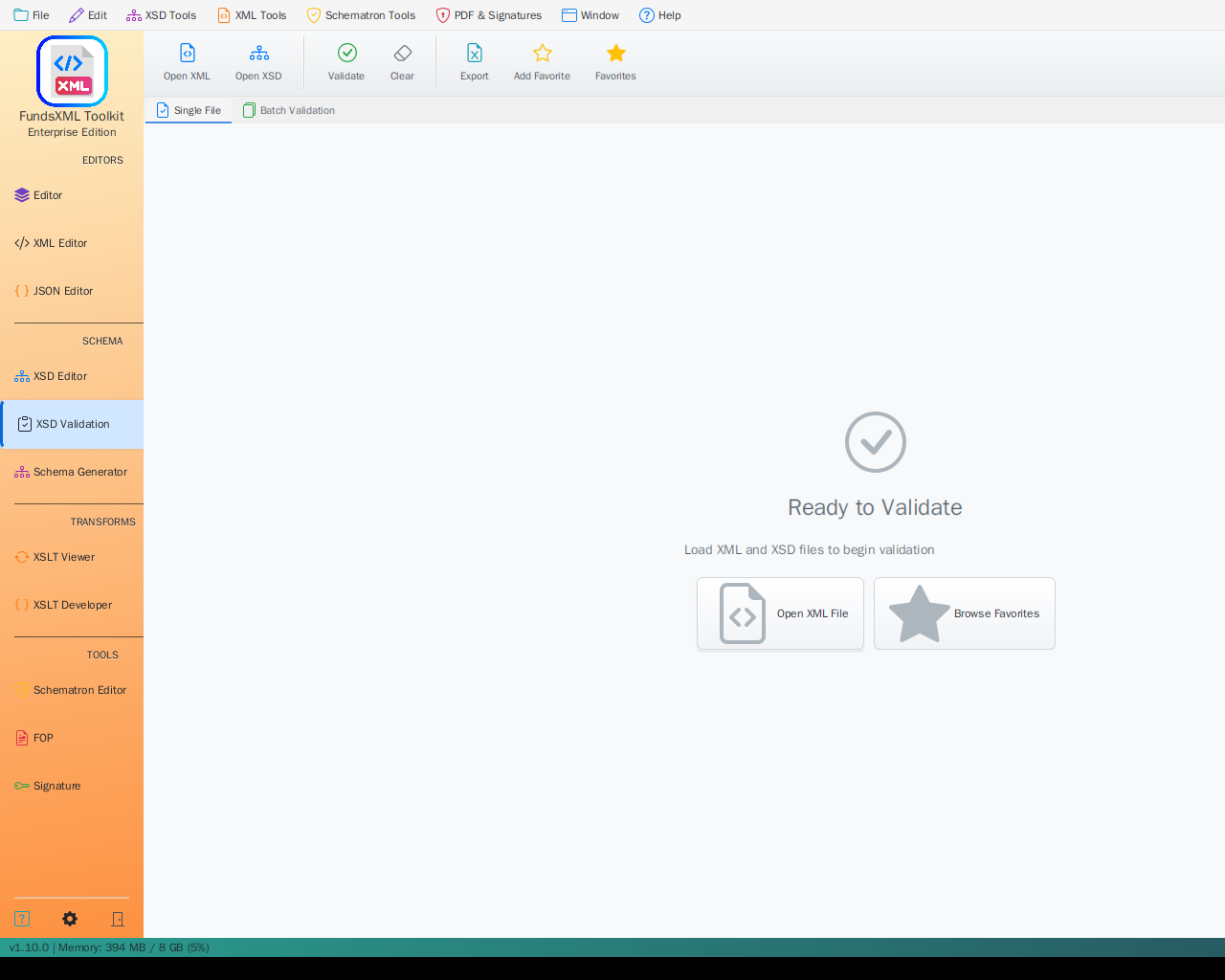 The Validation panel - an XML document checked against its bound XSD schema
Full Support - The main schema format used for XML validation.
| Feature | Description |
|---|---|
| Validation | Check if XML files follow schema rules |
| Auto-Completion | Get suggestions while typing based on schema |
| Auto-Detection | Schema is found automatically from XML files |
| Documentation | Generate readable documentation from schemas |
| Sample Data | Create test XML files from schema definitions |
| Visual Display | See schema structure as diagrams |
What You Can Define: - Elements and their order - Required and optional fields - Data types (text, numbers, dates) - Allowed values - Documentation
Schematron
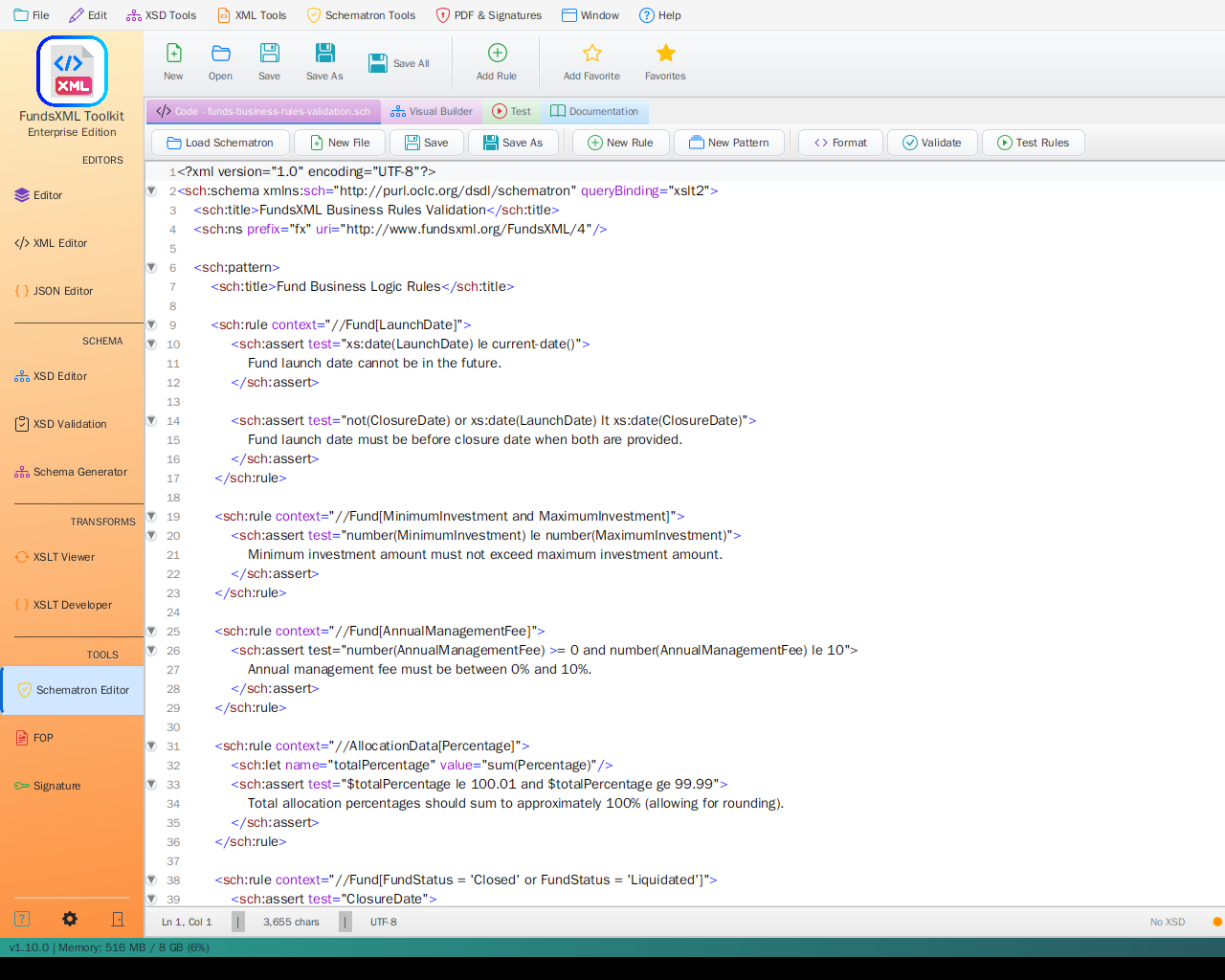 A Schematron rules file (.sch) open as a normal document in the editor
Business Rules - For validation rules that go beyond structure.
| Feature | Description |
|---|---|
| Custom Rules | Write your own validation logic |
| Real-time Checking | See errors as you edit |
| Clear Messages | Define helpful error messages |
| Flexible Rules | Apply different rules in different situations |
Best For: - "If field A is filled, then field B must also be filled" - "The total must equal the sum of all items" - "Each ID must be unique in the document"
JSON Schema
Full Support (for JSON documents) - The standard schema format for validating JSON files.
| Feature | Description |
|---|---|
| Validation | Check if JSON files follow schema rules |
| Auto-Detection | A schema referenced by the document's $schema member is bound automatically |
| Manual Binding | Bind a schema via the status bar indicator, the Validation panel, or drag & drop |
| Line Numbers | Each problem points to the offending line in your document |
| Dialects | Draft-07, 2019-09, and 2020-12 |
JSON Schemas bind and validate the same way XSD schemas do for XML - see the JSON Editor page for details.
XML Catalogs (OASIS)
Full Support - Register one or more OASIS catalog.xml files in the
Schema Library's Catalogs tab to resolve system, public, uri,
rewriteSystem, rewriteURI, nextCatalog and xml:base entries when the toolkit looks
up an xs:import/xs:include or a schema reference by system ID. During validation the
lookup tries the system identifier, then the public identifier (public entries),
then the namespace, so public entries resolve schemas too.
Not Supported
DTD (Document Type Definition)
Not Supported - This older format is not available in FreeXmlToolkit.
| Reason | Alternative |
|---|---|
| Less flexible than XSD | Convert your DTD to XSD |
| Limited features | Use XSD for the same rules |
| No namespace support | XSD handles namespaces |
RelaxNG
Not Supported - This alternative schema format is not available.
| Reason | Alternative |
|---|---|
| Less widely used | Use XSD instead |
| Focus on standards | Schematron for business rules |
How to Use Schemas
Loading a Schema
- Automatic: Open an XML file that references a schema
(
xsi:schemaLocation/xsi:noNamespaceSchemaLocation) - it is bound automatically - Manual: Open the Validation panel and click Change on the XSD row - or click
the XSD indicator in the status bar and pick an
.xsdfile - Drag & Drop: Drop an
.xsdfile onto the Validation panel's XSD row or onto the status bar's XSD indicator
A Schematron rules file binds the same way via the Validation panel's Schematron row.
Schematron files themselves (.sch) open as normal documents in the editor.
For JSON documents, a JSON Schema binds the same way: automatically via the
document's $schema member, or manually via the status bar's JSON Schema indicator,
the Validation panel's JSON Schema row, or drag & drop.
Validation Workflow
- Open your XML file
- Bind (or auto-detect) the schema
- Click Run Validation in the Validation panel (or press F8) - or enable Validate while typing to check continuously
- Problems appear in the PROBLEMS list, each tagged with its source (XSD, Schematron, Well-formed); click one to jump to the problem location
- Fix issues and re-validate
Using Both XSD and Schematron
For the best validation coverage: - Use XSD for structure (elements, order, types) - Use Schematron for business rules (relationships, conditions)
Tips
| Tip | Description |
|---|---|
| Start with XSD | XSD handles most validation needs |
| Add Schematron later | For business rules XSD can't express |
| Use auto-detection | Let the app find your schema automatically |
| Check error messages | They tell you exactly what's wrong |
Navigation
| Previous | Home | Next |
|---|---|---|
| Schematron | Home | Favorites |
All Pages: Unified Shell | XML Editor | XML Features | JSON Editor | XSD Tools | Profiled XML Generation | XSD Validation | Schema Library | XSLT Viewer | XSLT Developer | FOP/PDF | Signatures | IntelliSense | Schematron | FundsXML Extensions | Favorites | Templates | Tech Stack | Security | Licenses