Schema Support
Last Updated: November 2025 | Version: 1.0.0
FreeXmlToolkit supports different schema formats for validating your XML files. This page explains what's supported and what isn't.
Overview
 Screenshot placeholder: Schema support interface
Schemas define rules for your XML documents - what elements are allowed, what order they should be in, and what values they can contain.
Supported Schema Formats
XSD (XML Schema Definition)
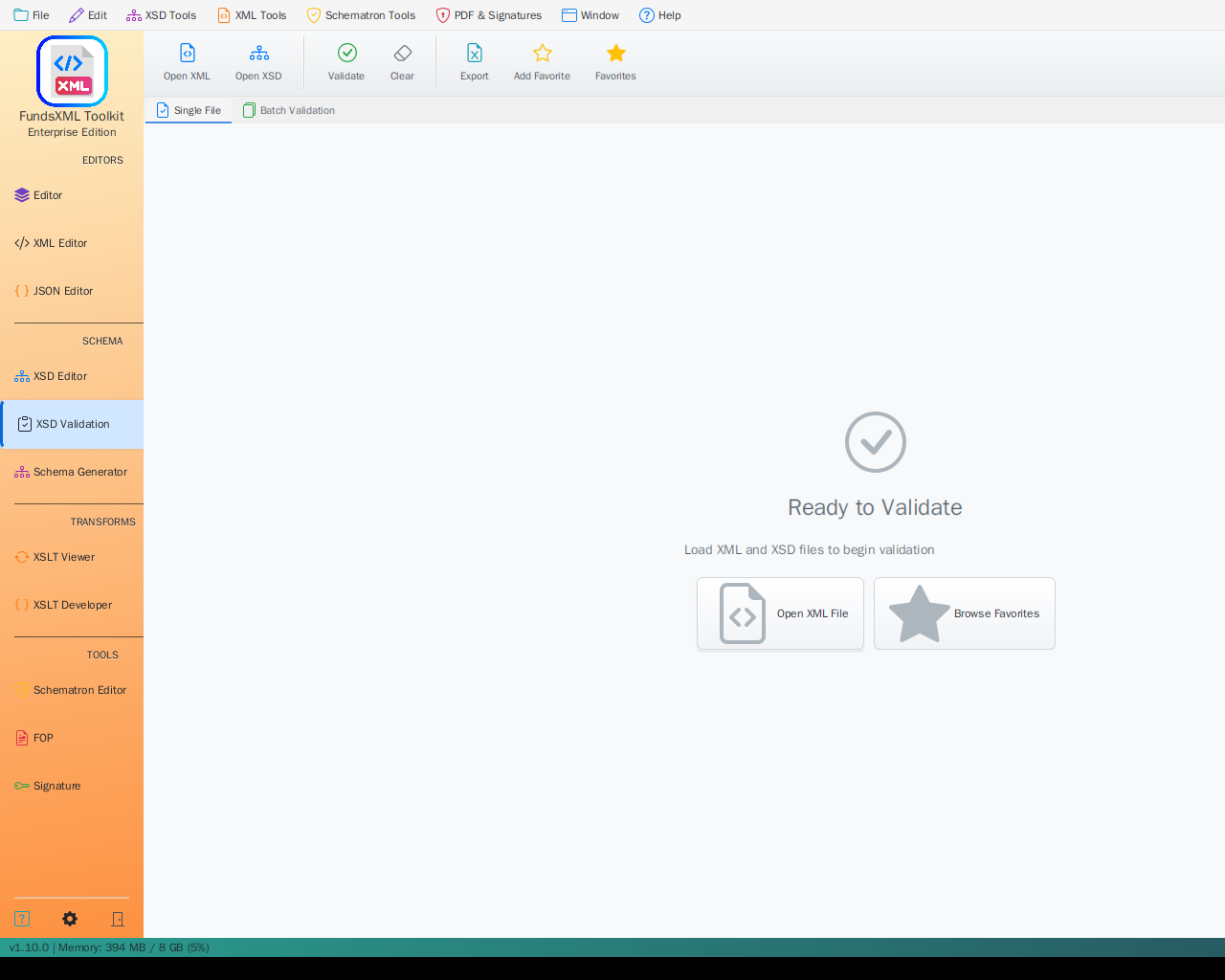 Screenshot placeholder: XSD validation in action
Full Support - The main schema format used for XML validation.
| Feature | Description |
|---|---|
| Validation | Check if XML files follow schema rules |
| Auto-Completion | Get suggestions while typing based on schema |
| Auto-Detection | Schema is found automatically from XML files |
| Documentation | Generate readable documentation from schemas |
| Sample Data | Create test XML files from schema definitions |
| Visual Display | See schema structure as diagrams |
What You Can Define: - Elements and their order - Required and optional fields - Data types (text, numbers, dates) - Allowed values - Documentation
Schematron
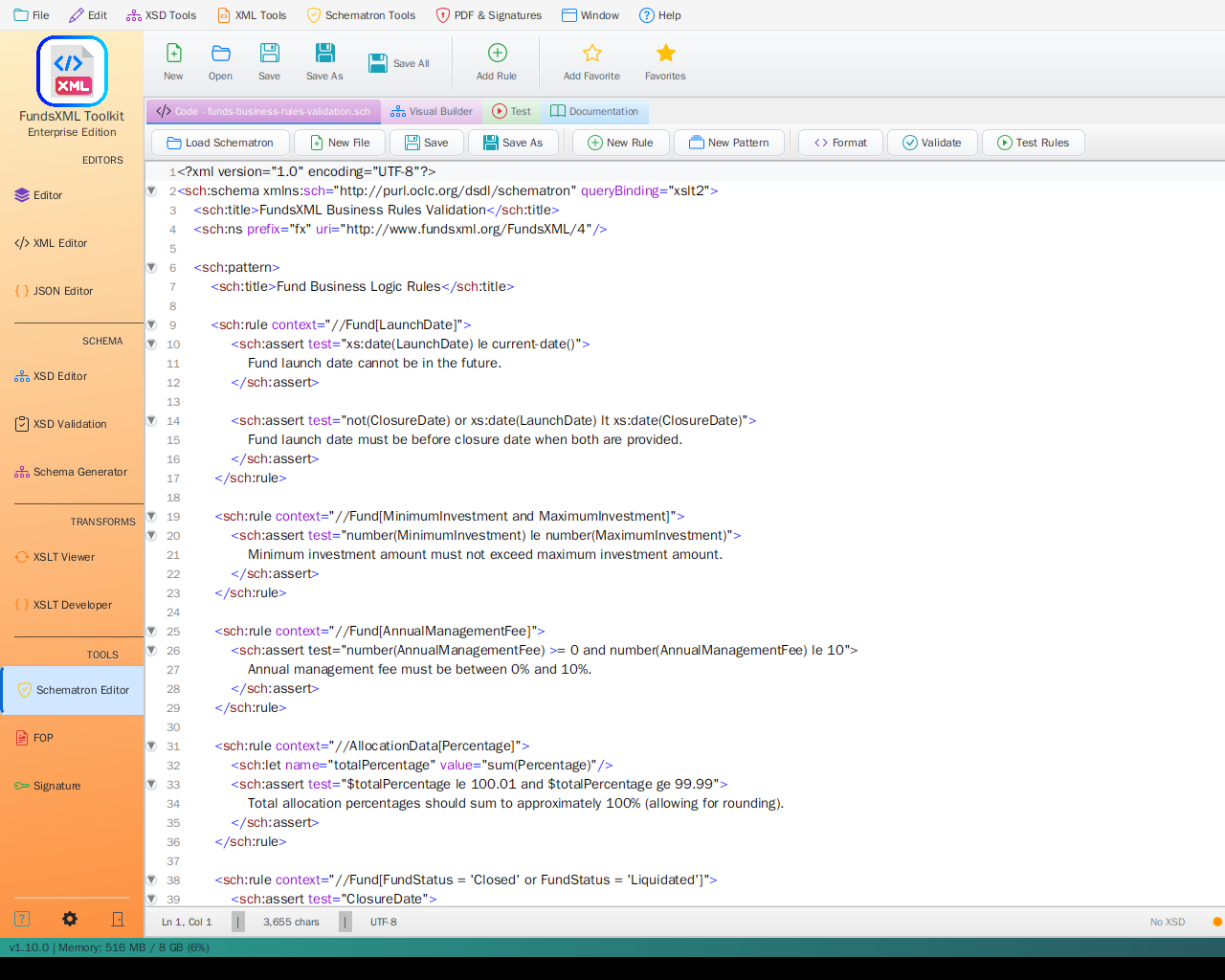 Screenshot placeholder: Schematron validation
Business Rules - For validation rules that go beyond structure.
| Feature | Description |
|---|---|
| Custom Rules | Write your own validation logic |
| Real-time Checking | See errors as you edit |
| Clear Messages | Define helpful error messages |
| Flexible Rules | Apply different rules in different situations |
Best For: - "If field A is filled, then field B must also be filled" - "The total must equal the sum of all items" - "Each ID must be unique in the document"
Not Supported
DTD (Document Type Definition)
Not Supported - This older format is not available in FreeXmlToolkit.
| Reason | Alternative |
|---|---|
| Less flexible than XSD | Convert your DTD to XSD |
| Limited features | Use XSD for the same rules |
| No namespace support | XSD handles namespaces |
RelaxNG
Not Supported - This alternative schema format is not available.
| Reason | Alternative |
|---|---|
| Less widely used | Use XSD instead |
| Focus on standards | Schematron for business rules |
How to Use Schemas
Loading a Schema
 Screenshot placeholder: Schema loading dialog
- Automatic: Open an XML file that references a schema - it loads automatically
- Manual: Click "Load Schema" and select your XSD file
- Drag & Drop: Drag a schema file into the application
Validation Workflow
 Screenshot placeholder: Validation process
- Open your XML file
- Load (or auto-detect) the schema
- See validation results immediately
- Click on errors to jump to the problem location
- Fix issues and re-validate
Using Both XSD and Schematron
 Screenshot placeholder: Combined XSD and Schematron validation
For the best validation coverage: - Use XSD for structure (elements, order, types) - Use Schematron for business rules (relationships, conditions)
Tips
| Tip | Description |
|---|---|
| Start with XSD | XSD handles most validation needs |
| Add Schematron later | For business rules XSD can't express |
| Use auto-detection | Let the app find your schema automatically |
| Check error messages | They tell you exactly what's wrong |
Navigation
| Previous | Home | Next |
|---|---|---|
| Schematron | Home | Favorites |
**All Pages: ** XML Editor | XML Features | XSD Tools | XSD Validation | XSLT | FOP/PDF | Signatures | IntelliSense | Schematron | Favorites | Templates | Tech Stack | Licenses